
Better router reception where 4G/5G coverage is weak
We check signal quality and router compatibility, identify the best reception direction, then install and align a suitable external antenna and test the actual result.
- ✓ Signal check first
- ✓ Router compatibility check
- ✓ Final performance test
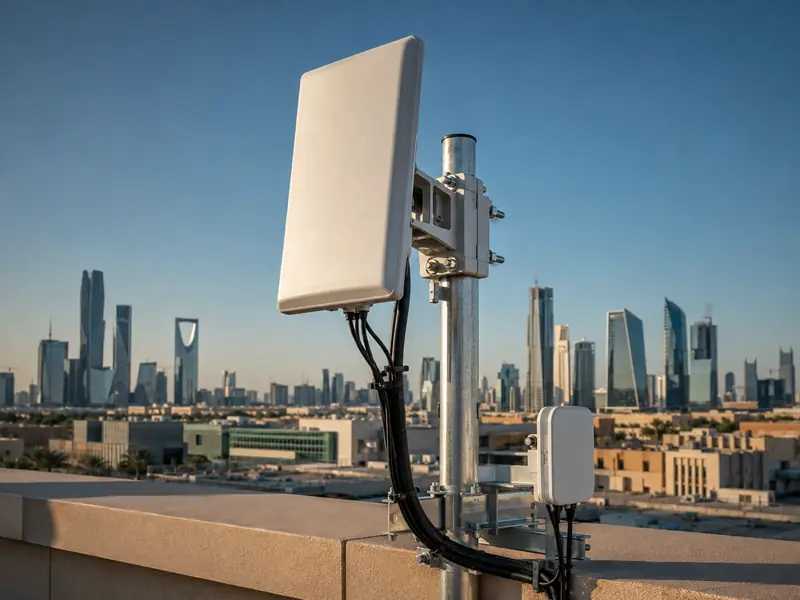
When the issue is cellular reception to the router
Useful where 4G/5G reaches the router with poor or inconsistent signal quality.
Farms, warehouses, rest houses and other sites where an outdoor mounting point receives a better signal.
We verify antenna ports, connector type and supported bands before selecting the antenna.
We measure and verify compatibility first
What do we check?
- Signal strength and quality indoors and outdoors.
- Carrier, available bands and the best reception direction.
- Router model, external antenna ports and connector type.
- Outdoor mounting position and practical cable route.
- Connection result before and after alignment.
An antenna is not a Wi-Fi extender
An external MIMO antenna improves cellular reception to the router. If the issue is weak Wi-Fi coverage inside the building, the correct solution is usually an access point or mesh system.
From signal check to final test
Compare signal quality in multiple positions and confirm the real problem.
Check the router, bands, connectors and antenna requirements.
Mount the antenna safely and point it toward the best available reception direction.
Review signal quality, stability and real-world speed after installation.
Before installing an external MIMO antenna
Will the antenna improve Wi-Fi inside the building?
Not directly. Its job is improving 4G/5G reception to the router. Indoor Wi-Fi coverage needs a separate network solution.
Does every router support an external antenna?
No. External antenna ports, supported bands and connector type must be checked first.
Can you guarantee a specific internet speed?
No fixed speed can be guaranteed because the result depends on the carrier, tower, band, congestion and signal quality. We test the actual result.
Is this the same as linking two sites wirelessly?
No. This service improves cellular reception to the router. A point-to-point wireless link is a different network solution.
Do I always need a new router?
No. If the existing router supports the required antenna and bands, it may remain in use; otherwise we explain the compatible option before installation.