
CCTV in Riyadh with planned coverage and recording you can actually retrieve
We review entrances, blind spots, lighting and viewing distance first, then select camera types, lenses, recorder capacity, storage and mobile viewing before cabling begins.
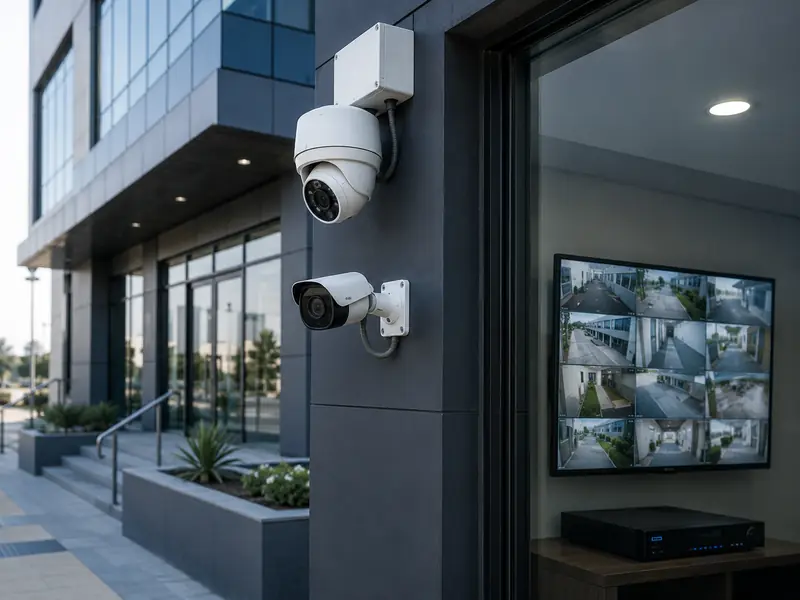
In short
Survey » Coverage » Recording » Remote View » Test CCTV · IP · NVR
- IP and HD cameras by site needs.
- NVR and DVR with planned storage.
- Mobile viewing and tested handover.
Planned coverage: Camera positions and lenses are selected around the scene, entrances and critical areas.
Calculated recording: Resolution, camera count and retention days are matched to practical storage capacity.
Tested handover: We verify live view, recording, playback and remote access within the agreed scope.
CCTV design changes with the site
Camera count does not start with a fixed number. It starts with what you actually need to see and record.
Homes & villas
Entrances, façades, corridors and outdoor areas with simple mobile viewing.
Offices & retail
Reception, stock, sales areas and entrances with organized recording and playback.
Warehouses & workshops
Large areas, aisles, doors and loading zones with lenses chosen for the scene.
Multi-site projects
Consistent viewing, accounts and recording architecture around the available network.
Choose the camera type that fits your site
Each type has its own page explaining when it fits and what we check before installation.
IP cameras
Network cameras with high image quality for homes, businesses and warehouses.
Outdoor cameras
For entrances, fences, yards and parking areas, built to withstand sun and dust.
Indoor cameras
For entrances, offices, corridors and reception rooms inside the building.
Solar cameras
For sites where running power is difficult, such as farms and rest houses.
PTZ cameras
Control over direction and zoom for large yards and warehouses.
WiFi cameras
For homes and small offices where running cables is difficult.
Four details help us define the solution faster
Prepare what you have
- Site type, approximate size and key entrances or critical areas.
- Existing camera count if there is already a system.
- Photos of the recorder, cabling or network where available.
- Required recording retention and how you want to view the system.
We do not start with camera count
Count, resolution, lens and storage follow the purpose of each viewing point. More megapixels cannot fix a poor angle, and more cameras cannot replace proper coverage planning.
From camera angle to recording and remote viewing as one system
We treat CCTV as a complete system: useful image detail, recording that can be retrieved, stable networking where required and organized viewing accounts.
Survey and camera positions
Review entrances, corridors, outdoor areas, blind spots and the purpose of each camera before cabling begins.
Camera selection
Choose IP or HD, indoor or outdoor, fixed or PTZ, plus resolution, lens and night imaging based on the scene.
Cabling and installation
Run organized routes and install cameras with suitable height, angle and protection for the site conditions.
Recording and storage
Select the right NVR or DVR and calculate drives around camera count, resolution and required retention days.
Remote viewing
Configure supported apps, accounts, permissions and network settings for remote viewing or management.
Testing and handover
Verify live view, recording, playback, time and mobile viewing, then explain the basic operating steps.
How do we choose the system instead of buying specifications?
Scene, distance, lighting, cabling and retention requirements matter more than megapixel count alone.
| Need | What we review | Technical decision |
|---|---|---|
| Identify people at an entrance | Viewing distance, lighting and mounting height | Lens, angle and resolution selected for the entrance instead of a very wide but weak view. |
| Cover a wide area | Scene width and blind spots | Planned camera placement or a suitable camera type instead of relying on one position. |
| Record for several days | Camera count, resolution and recording profile | Storage is calculated before choosing drives and the recorder. |
| View from outside the site | Internet, network and user accounts | Supported remote access with appropriate accounts and permissions. |
Where do CCTV problems usually begin?
Choosing resolution only
Resolution cannot compensate for the wrong lens, poor angle or difficult lighting.
Unplanned storage
Footage can be overwritten earlier than expected if capacity is not calculated around the actual settings.
Shared passwords
Organized user accounts and permissions are better than one shared account for everyone.
No playback test
Live view is not enough; recording, search and playback should be verified before handover.
Five stages from survey to handover
Survey
Identify critical areas, angles, distances, lighting and existing cabling.
Design
Select camera types, lenses, recorder, storage and required network architecture.
Installation
Complete cabling and install cameras, recorder and network equipment within project scope.
Configuration
Set time, recording, accounts and mobile viewing where supported.
Testing and handover
Test live view, recording, playback and remote access, then explain basic operation.
From our work
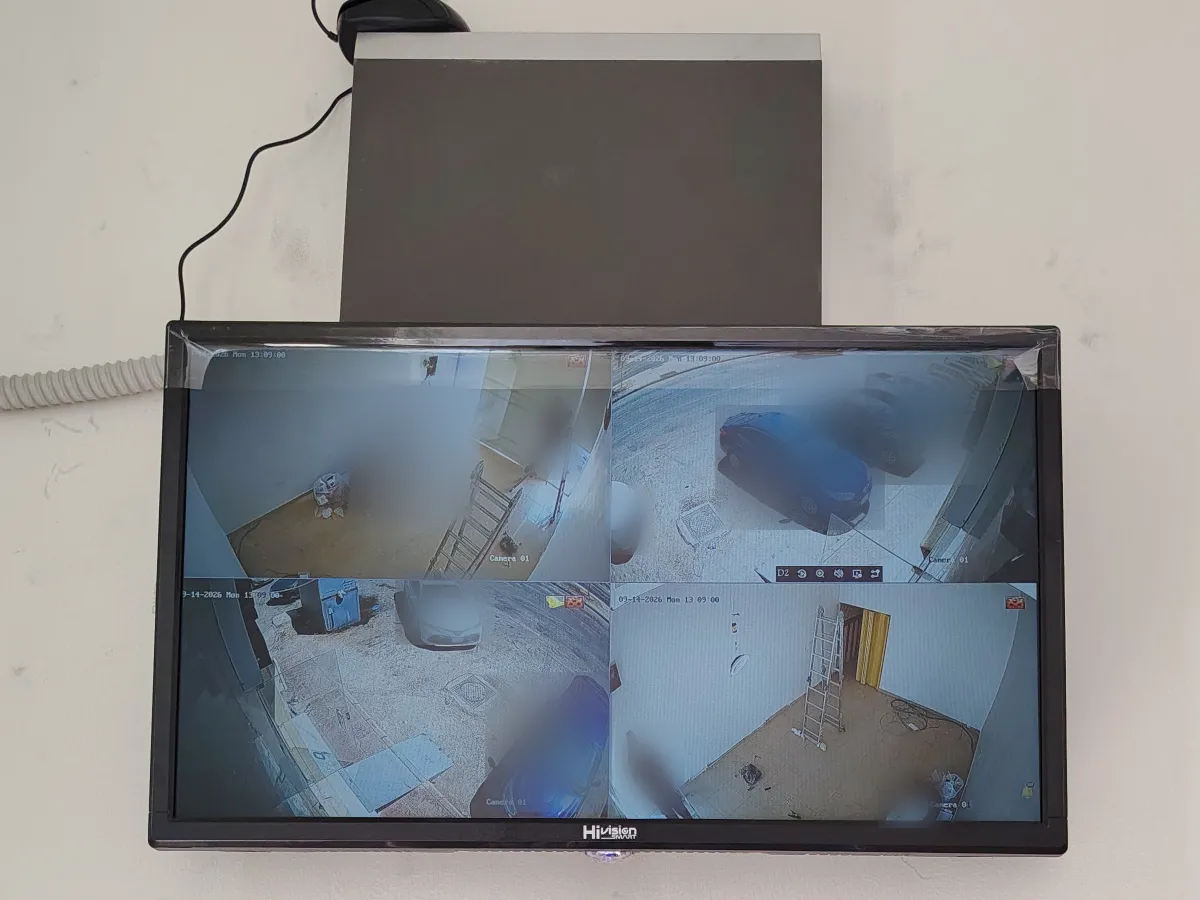
Questions to answer before installing CCTV
Should I choose IP or HD security cameras?
The choice depends on site size, existing cabling, required image quality and future expansion. IP cameras are well suited to network integration and scalable systems, while HD systems can be practical when existing coaxial cabling can be reused.
How much recording storage do I need?
Storage depends on camera count, resolution, frame rate, compression and the number of retention days required. We calculate storage before selecting the recorder and drives.
Can I view the cameras on my phone when I am away?
Yes. Remote viewing can be configured through the supported mobile application when suitable internet connectivity is available, with accounts, passwords and network settings configured securely.
Do security cameras provide clear video at night?
Night performance depends on camera type, available lighting, distance and imaging technology such as infrared or color night imaging.
How do I determine the right number of cameras?
Camera count is determined after reviewing entrances, exits, corridors, sensitive areas, blind spots and lens distances to achieve practical coverage without unnecessary cameras.
Want a clear CCTV plan before buying equipment?
Send the site type, approximate size or photos of entrances and important areas, and we will identify what should be surveyed before selecting cameras, recording and storage.
Other services
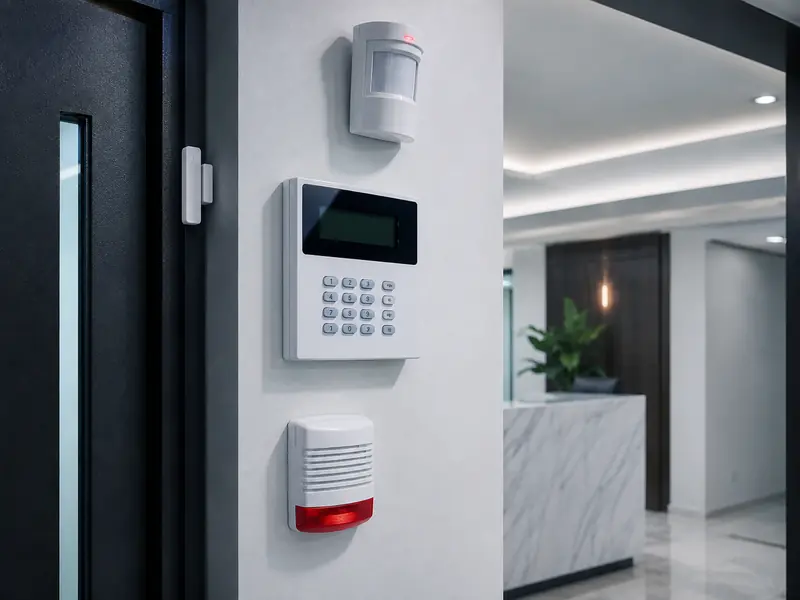
Alarm Systems
Early warning and protection for homes and facilities.
Learn more →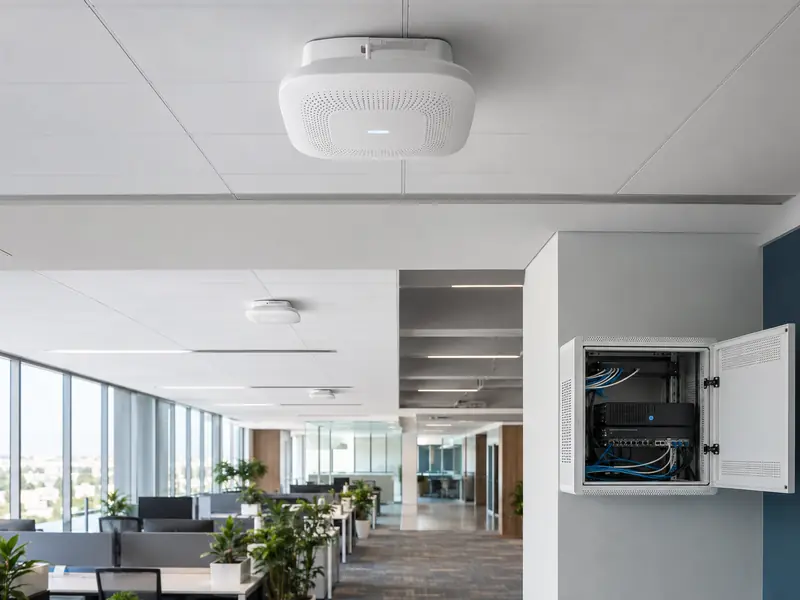
Wi‑Fi Coverage
Access Points and coverage solutions for different spaces.
Learn more →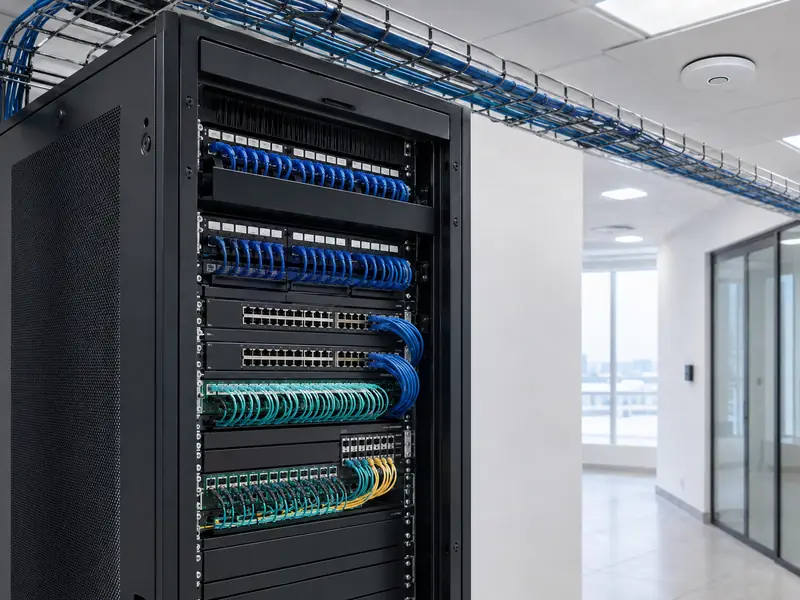
Networks
Racks, switches, data points and structured cabling.
Learn more →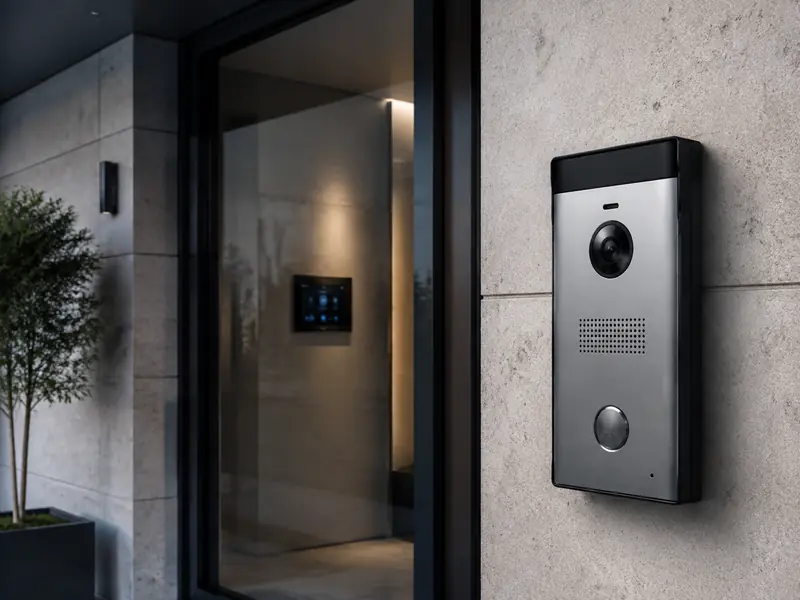
Intercom
Audio/video entry and door access integration.
Learn more →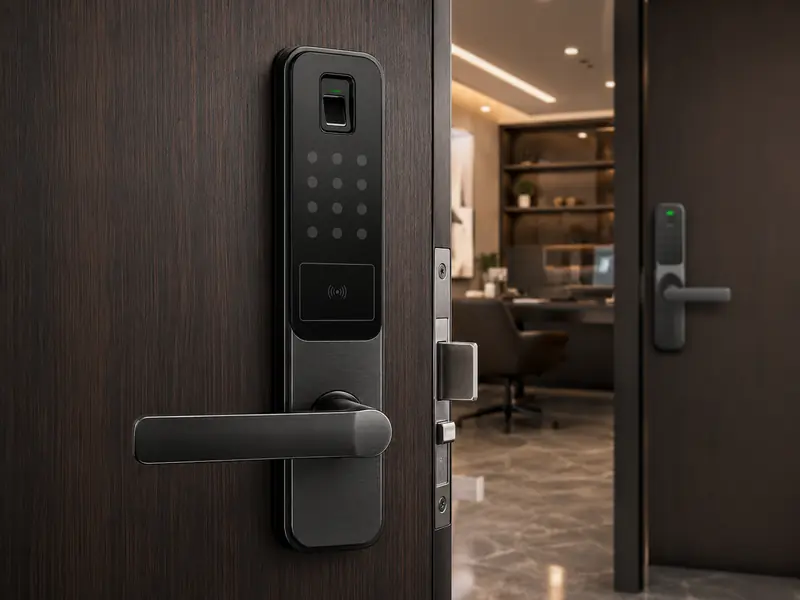
Smart Locks
Fingerprint, PIN, card and mobile access.
Learn more →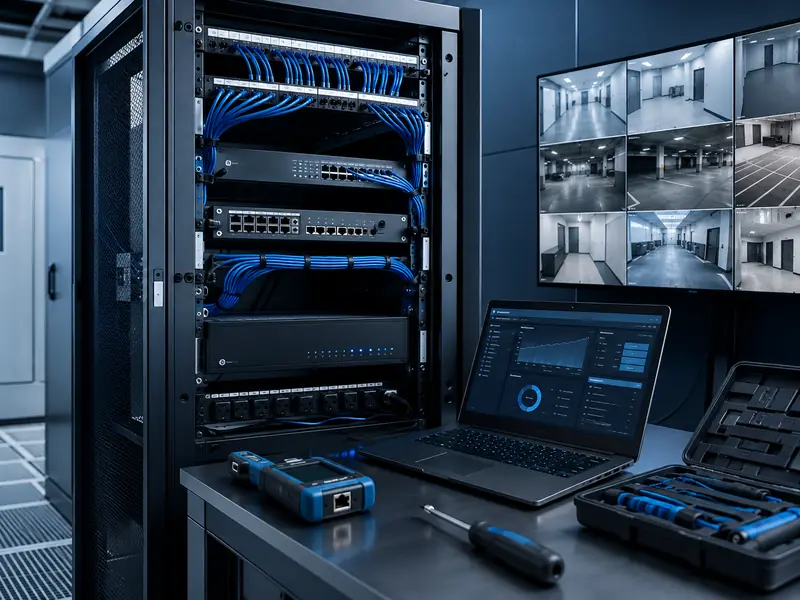
Maintenance & Support
Inspection, diagnosis and maintenance of systems.
Learn more →Need the right solution for your site?
Contact our team for a free consultation and site visit request.