
Start with the site, not the device model
Intercom planning should not start with screen size or a product name alone. First define the entrances, user locations, door-release method, existing cabling and whether the system needs network or mobile-app connectivity. Device selection becomes much easier after these requirements are clear.
Six checks before installation
Can old intercom cabling be reused?
There is no single answer for every site. Some existing cabling can be reused; other runs create intermittent problems that are difficult to diagnose later. Testing is essential before connecting a new system.
- Check for open circuits, shorts or damaged conductors.
- Identify the cable type and the number of usable conductors.
- Compare route length with the requirements of the new system.
- Do not assume old cabling is suitable just because the previous system worked.
Where should the indoor and outdoor units be placed?
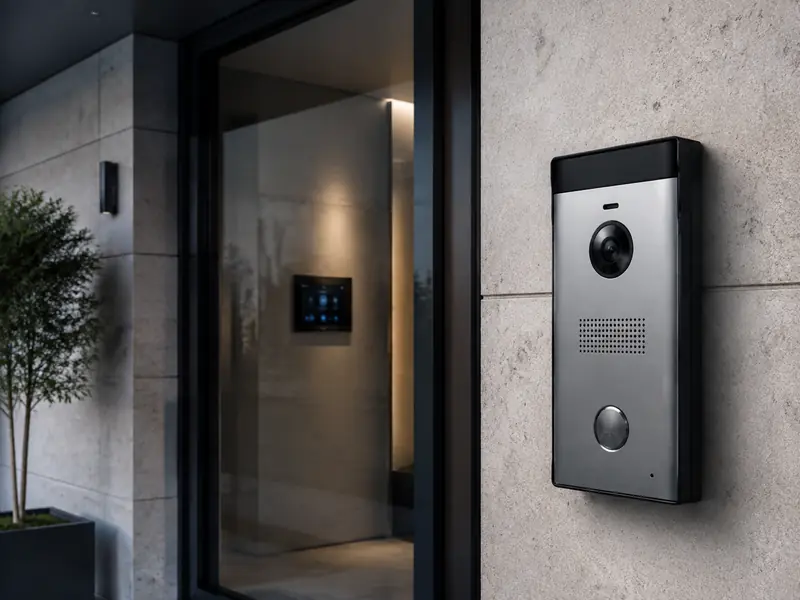
The outdoor station should be easy for visitors to reach and positioned near the controlled entrance, with environmental protection appropriate to the device rating. The indoor monitor should be easy for users to access without forcing a complicated or untidy cable route.
For multiple entrances or monitors, create a simple point layout before work starts. This often reveals expansion, networking or power requirements early.
Door-lock integration is more than two wires
Door release depends on the lock type, power supply and wiring method. A common mistake is treating the lock as an unrelated accessory; poor power design or relay mismatch can cause unreliable opening or intermittent faults.
- Identify whether the lock is electric, magnetic or part of a gate controller.
- Check voltage, current draw and the power supply.
- Decide whether an exit button or door sensor is needed.
- Test repeated opening before closing cable routes or finishing work.
When do you need a network or mobile app?
Traditional systems may work without a network. IP systems and app integration need stable connectivity and correct configuration. A mobile app by itself is not a reason to choose IP; the decision should reflect point count, expansion, management needs and site structure.
Pre-handover testing checklist
- Call from each required outdoor station to the correct monitor.
- Check two-way audio quality and background noise.
- Review video in the actual entrance lighting conditions.
- Test door release from the monitor or app when supported.
- Confirm recovery after a power interruption.
- Document administration and app-access details clearly.
Common preparation mistakes
The most expensive errors are not always product-related. Typical problems include buying hardware before defining the point count, reusing untested old cabling, choosing a poor outdoor-station position, or leaving door-lock and power requirements until the end.
Frequently asked questions
Can old intercom cabling be reused?
Sometimes, but only after checking cable type, conductor count, condition, route length and compatibility with the new system.
What comes first: the device or the installation points?
Define entrances, monitor locations, door-release requirements and cabling first, then select a system that fits those requirements.
When does an intercom need network connectivity?
Commonly for IP systems, mobile-app integration, multiple buildings or expanded management, depending on the design.
Ready to compare actual system options?
The main Intercom service page is the right place for solution types, features and commercial service information.